RoundCube
The following hosting tutorials will help you to understand better our services, showing you in real time how to set up your email accounts, update nameserver settings, add new domains and subdomains, request a domain transfer or domain registration, and much more!

How to create folders in RoundCube?
This tutorial assumes you've already logged in to RoundCube webmail.Now let's learn how to create folders to help organize our emails.Click the Personal Settings link here.Then click the Folders tab.Type the name of the new folder here, then
How to manage your address book in RoundCube?
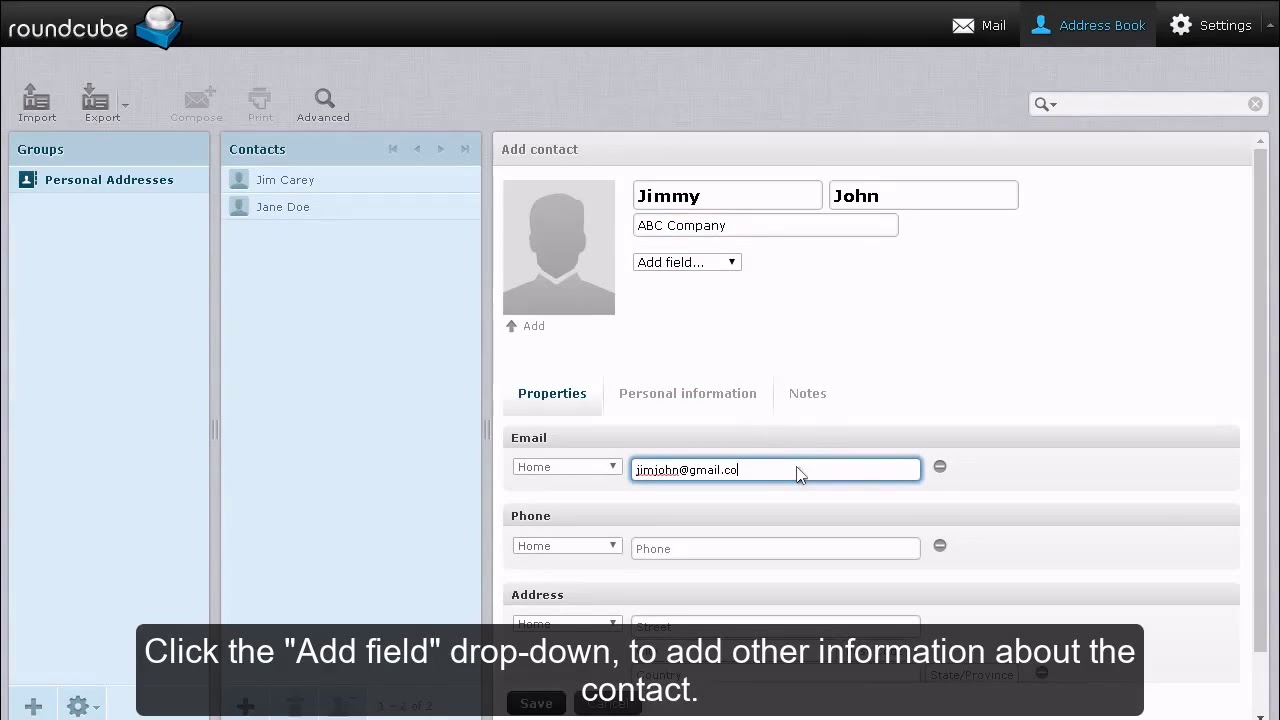
This tutorial assumes that you've already logged in to RoundCube webmail.Now let's learn how to manage our address book.Click the Address Book link.This is the address book, which lists all the contacts we choose to include in our address boo
How to mark messages in RoundCube?
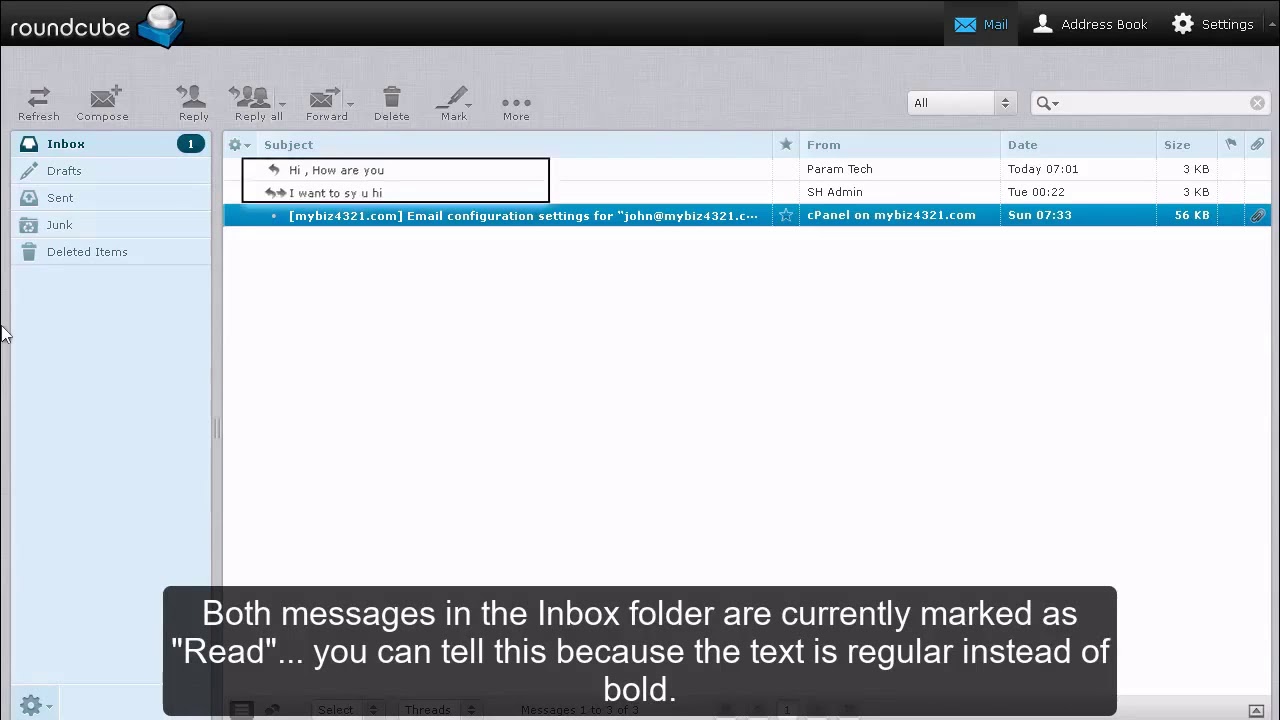
This tutorial assumes you've already logged in to RoundCube webmail.Now let's learn how to mark messages as read or unread.Both messages in the Inbox folder are currently marked as "Read" you can tell this because the text is regular instead
How to open an email message in RoundCube?
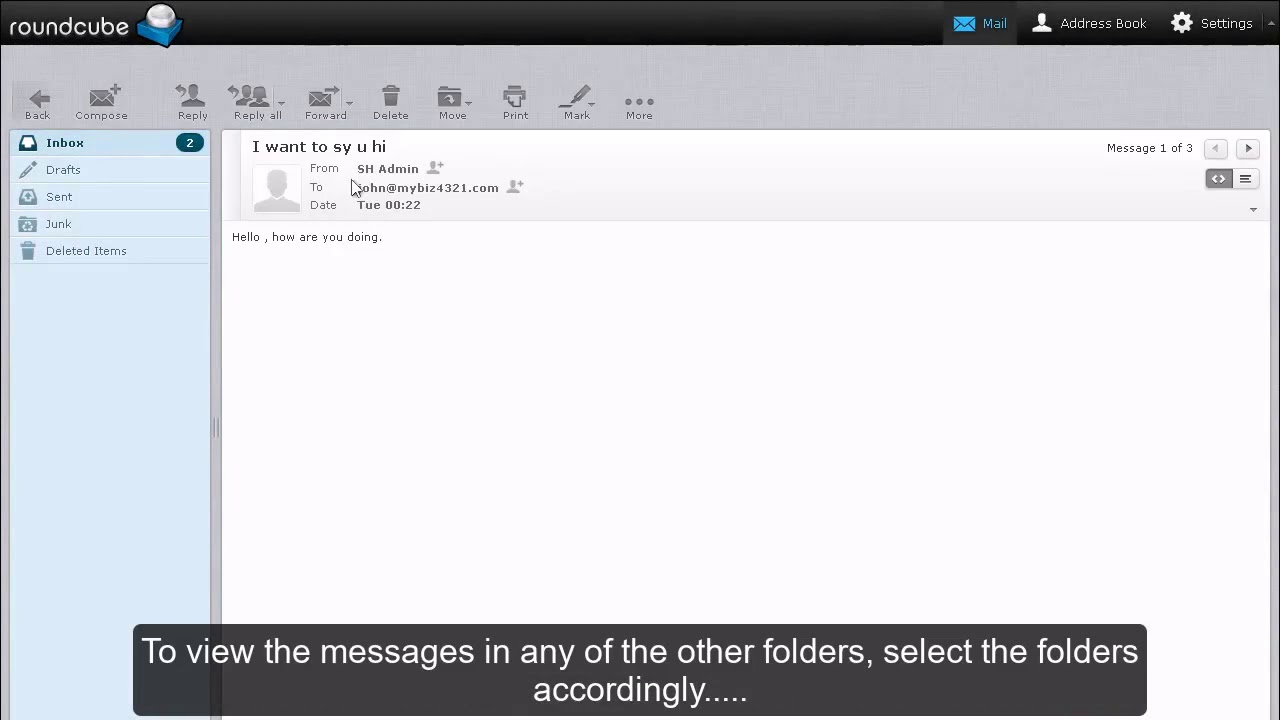
This tutorial assumes you've already logged in to RoundCube webmail.Now let's learn how to open an email message so we can read it, and perhaps respond to or forward it.When you first login to RoundCube, you'll see that the Inbox is highl

How to reply to or forward messages in RoundCube?
This tutorial assumes you've already logged in to RoundCube webmail.Now let's learn how to reply to or forward messages that we've received.Select the message you want to reply to.To send your reply to the sender of the email, click the R
How to save a draft message in RoundCube?
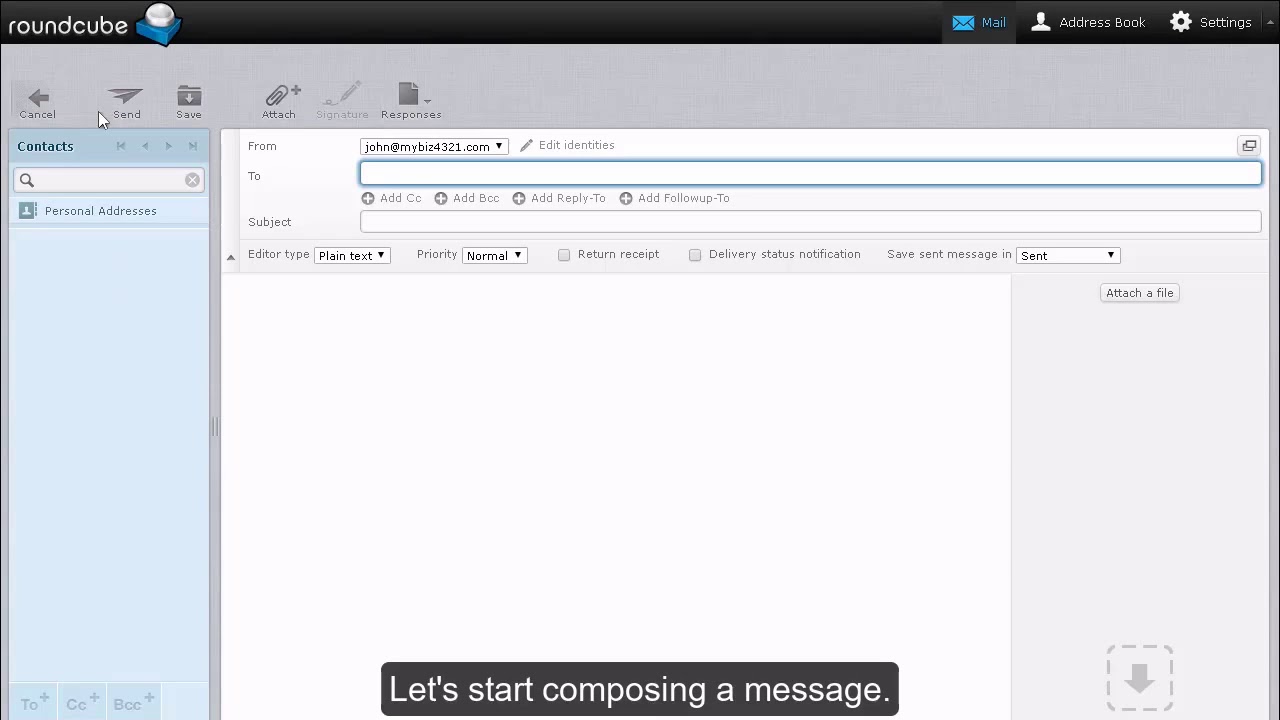
This tutorial assumes you've already logged in to RoundCube webmail.Now let's learn how to save draft email messages.Click the Create Message icon here.Let's start composing a message.While composing an email, you may find that you'll
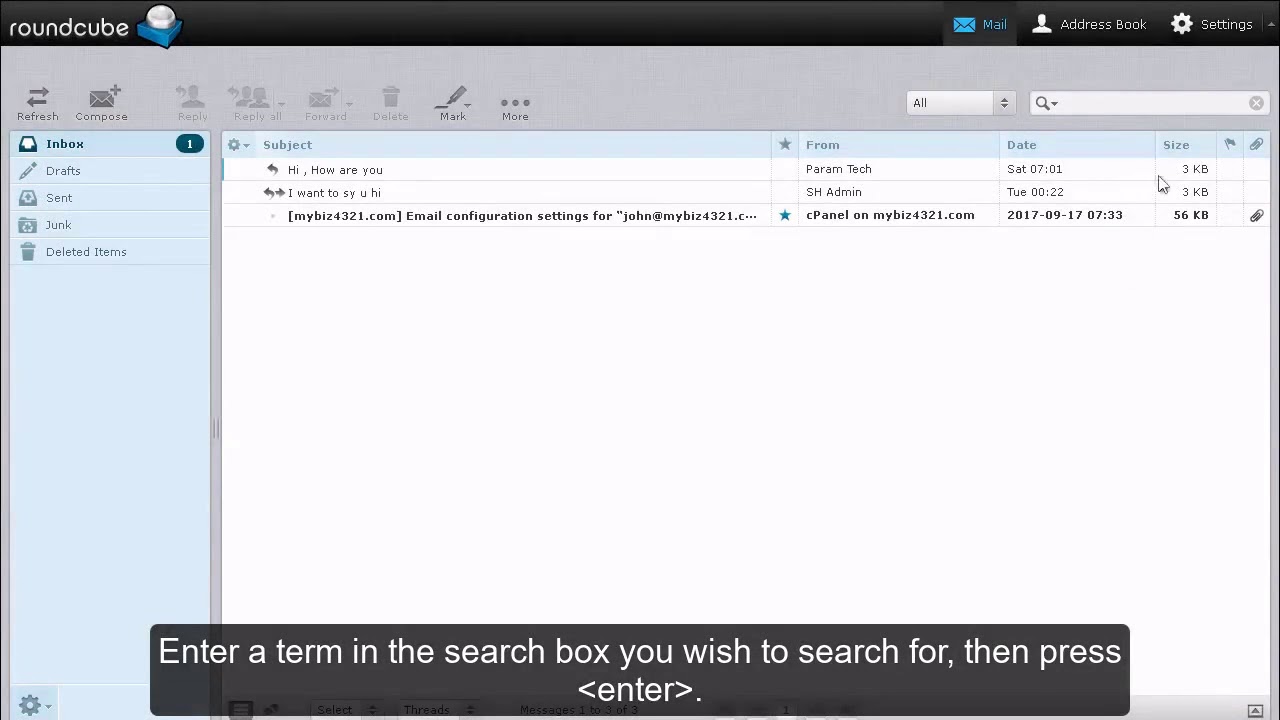
How to search messages in RoundCube?
This tutorial assumes you've already logged in to RoundCube webmail.Now let's learn how to search for specific email messages.This is the search box. Enter a term you wish to search for, then press .RoundCube searched all messages in the Inbo

How to write an email message in RoundCube?
This tutorial assumes you've already logged in to RoundCube webmail.Now let's learn how to write and send an email message.Click the Create Message icon here.This is where you write or compose a new email message.Enter the recipient's ema
Useful Links