

How to optimize website database?
With all the posts, pages, comments, menus and any form of text data database can store a huge amount of information. The largeness of the database depends on how complicated the site you have. Also, such unnecessary items, like spam comments, drafts, closed or temporary files can clutter the database.
As a result, you will get you’re the poor speed performance of your website, and even resource over usage of your cPanel account.
Follow the next steps to realize proper optimization:
1. Locate the database assigned to your website. You can check it in your website's configuration file:
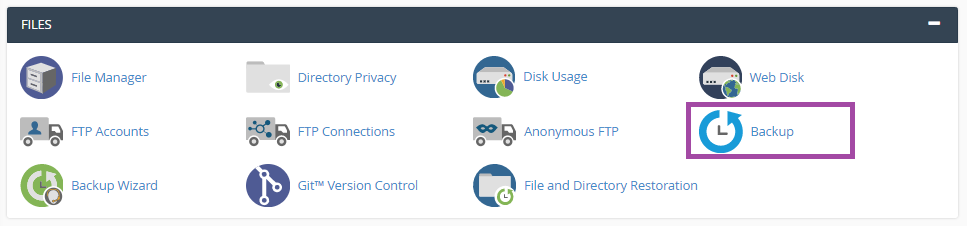
3. We advise you to download the backup of your database before making any changes. To do so, move to Files section > Backup menu:
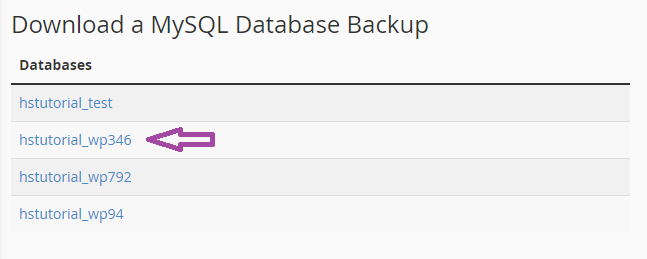
4. Click on the database in question in Download a MySQL Database Backup menu to start the download:
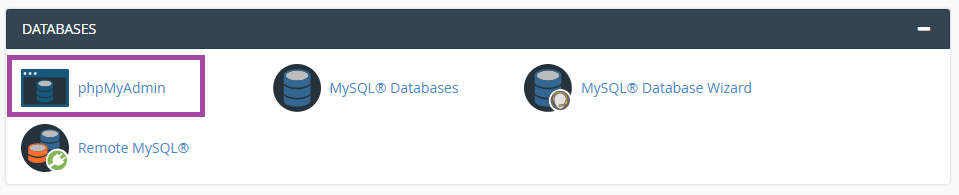
5. Now you can proceed with the optimization itself. Navigate to Databases section> phpMyAdmin menu:
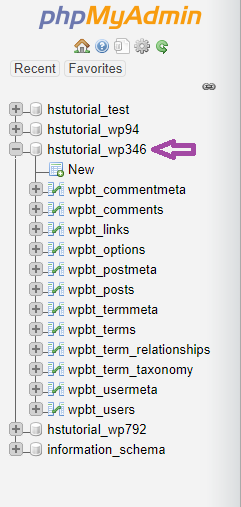
6. Click on the database in the left menu to expand the list of the tables:
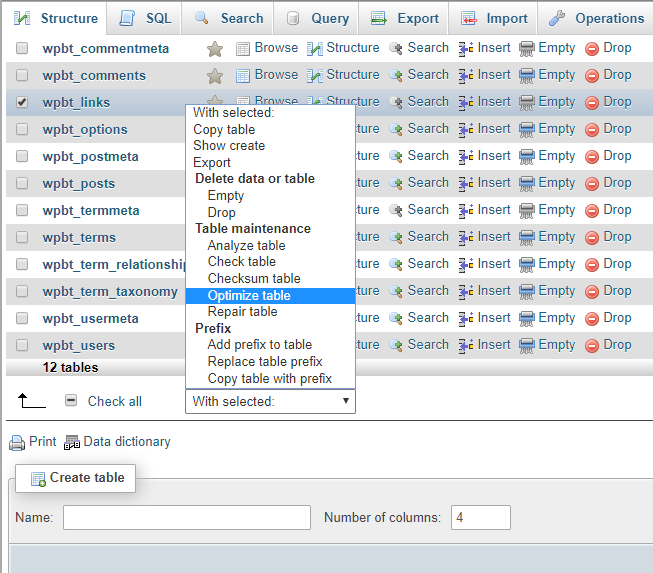
7. Checkmark the needed table and select Optimize table from the drop-down menu as shown below:
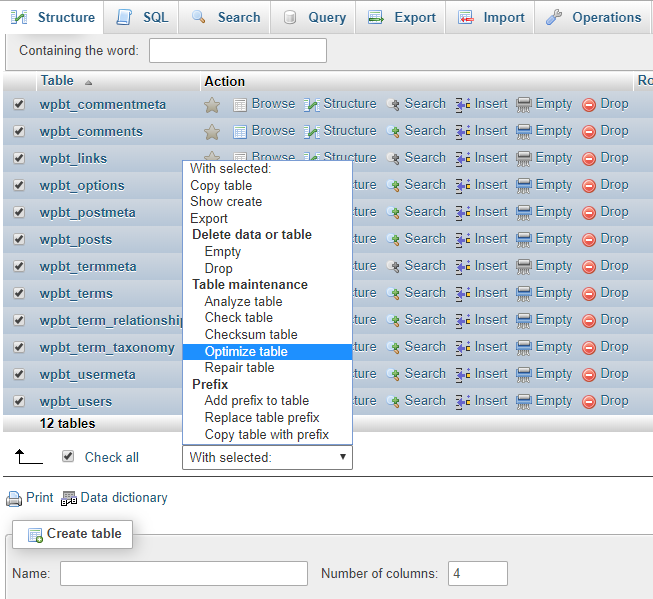
8. You can also optimize several tables at once, or all of them using Check All option:
9. As a result, you will get the following output:
