All articles
cPanel
How to access cPanel?
This article describes how to log in cPanel through Hostimul client area.
1. Go to www.hostimul.com
2. In the upper right corner click on Client Area button.
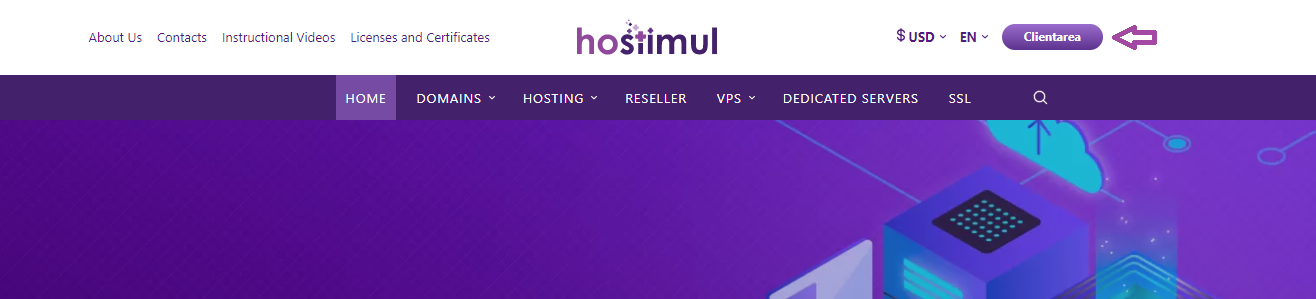
3. After clicking on the Client Area button, you will see the following interface:
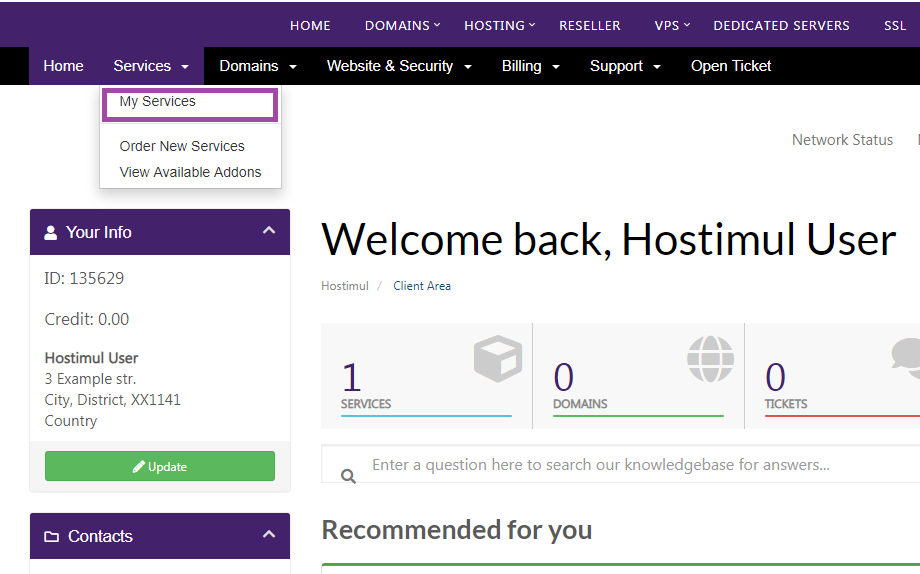
4. Click on Services and choose My Services from a drop-down menu.
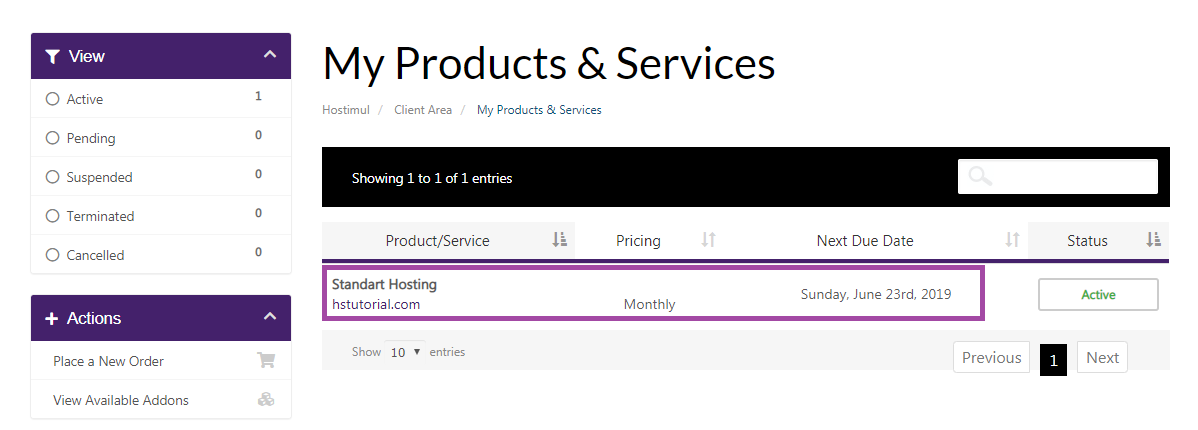
5. Choose the Service/Product
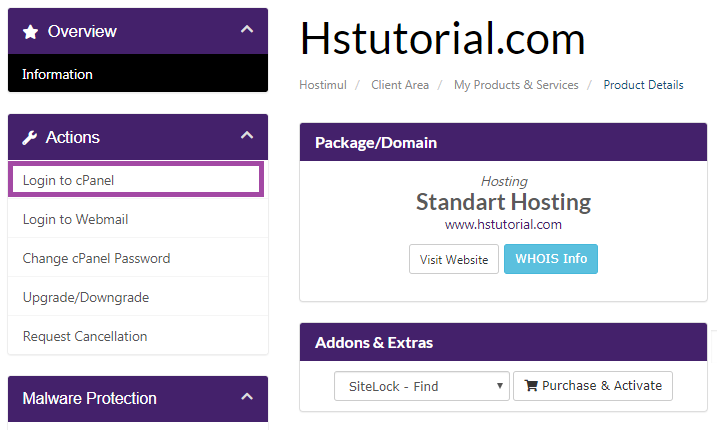
6. At the left column click on Login to cPanel.